

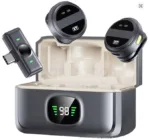
SX21 Wireless Lavalier Microphone for iPhone, iPad & Android Type‑C – Best Wireless Microphone for Mobile in Pakistan
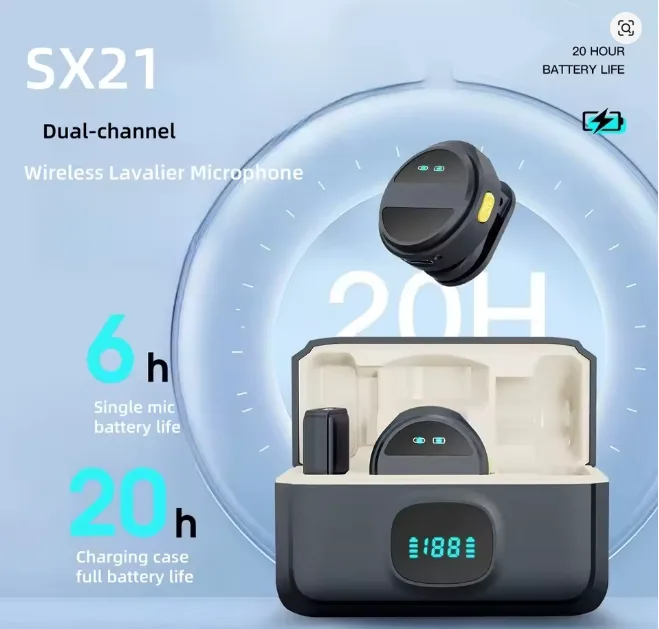
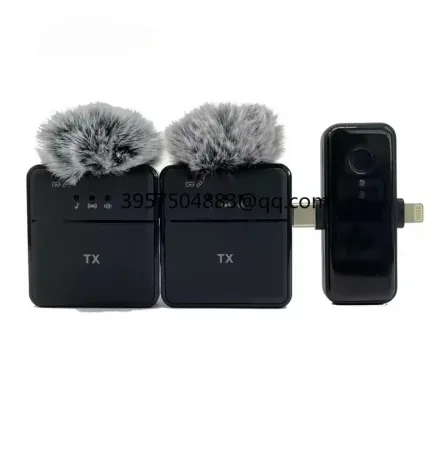
If you want clear voice for TikTok, YouTube, interviews, classes, or live game streaming, the SX21 Wireless Lavalier Microphone is a practical upgrade for creators in Pakistan. It’s a wireless lapel microphone built for mobile recording convenience, with a magnetic clip option that helps you place the mic neatly on shirts, collars, or abayas without messy setups.
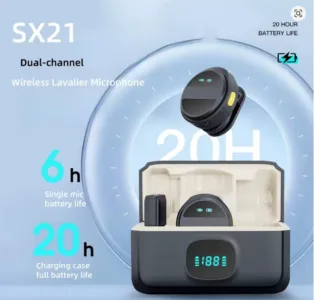
Why Choose SX21 Wireless Lavalier Microphone in Pakistan?
The SX21 Wireless Lavalier Microphone is designed for people who need fast setup and reliable speech clarity. Unlike a wired mic, a wireless microphone lets you move freely while recording, teaching, or presenting. That’s why many buyers compare it with popular options like boya microphone wireless models. Additionally, they often do this when searching for the best wireless microphone for mobile.
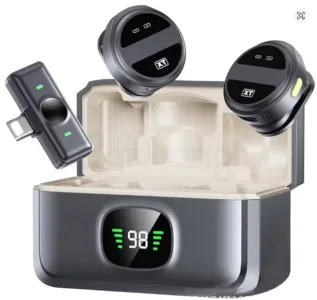
Wireless lavalier microphone for mobile creators
A wireless lavalier microphone (also called a wireless lapel microphone) is ideal for:
- Vlogging and street interviews
- Online classes and lectures
- Live streaming and gaming commentary
- Product reviews for e-commerce sellers
- Reels/TikTok voiceovers with hands-free movement
SX21 Wireless Lavalier Microphone with Magnetic Clip
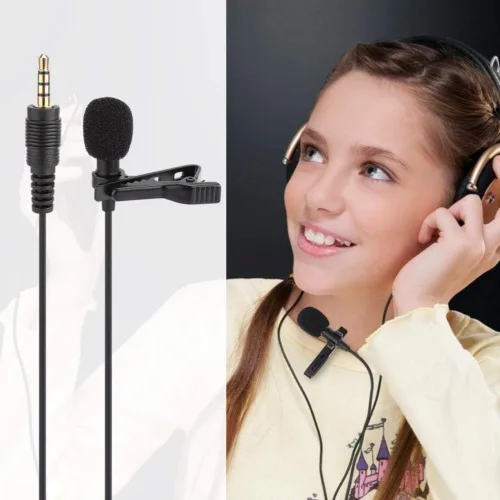
The magnetic clip design helps you attach the mic securely and cleanly, especially when normal clips slip. This improves mic placement and reduces clothing noise in many real-world situations.
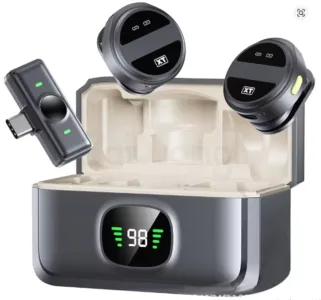
Wireless microphone for mobile: Type‑C compatibility
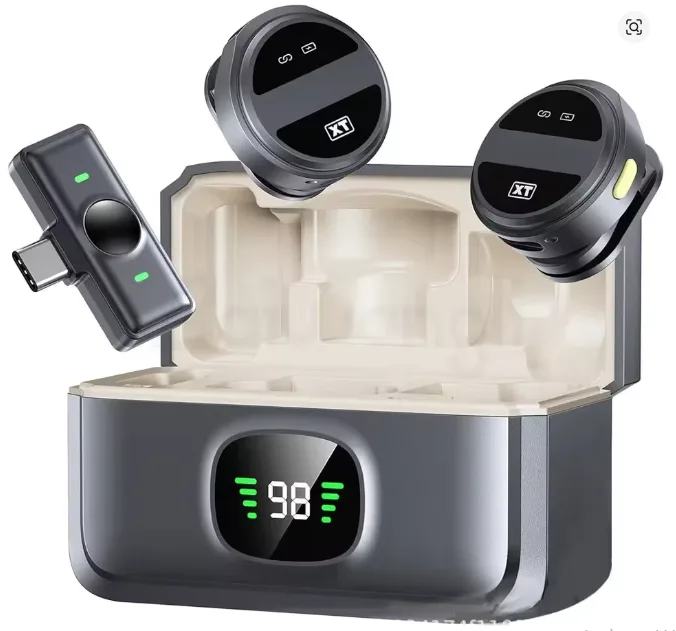
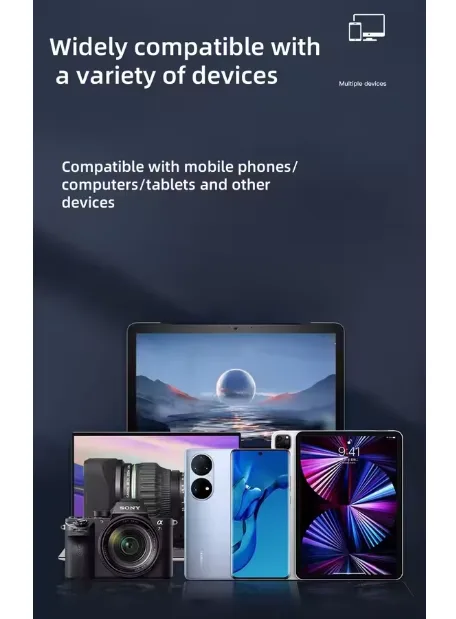
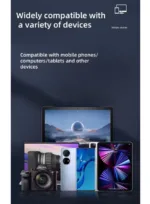
If you’re using an Android Type‑C phone, then the SX21 Wireless Lavalier Microphone is usually plug‑and‑play. As a result, you can simply connect it and start recording right away. This is a major reason it ranks as a wireless microphone for mobile choice in Pakistan, where Android devices are widely used.
Wireless microphone for iPhone and iPad (variant-based)
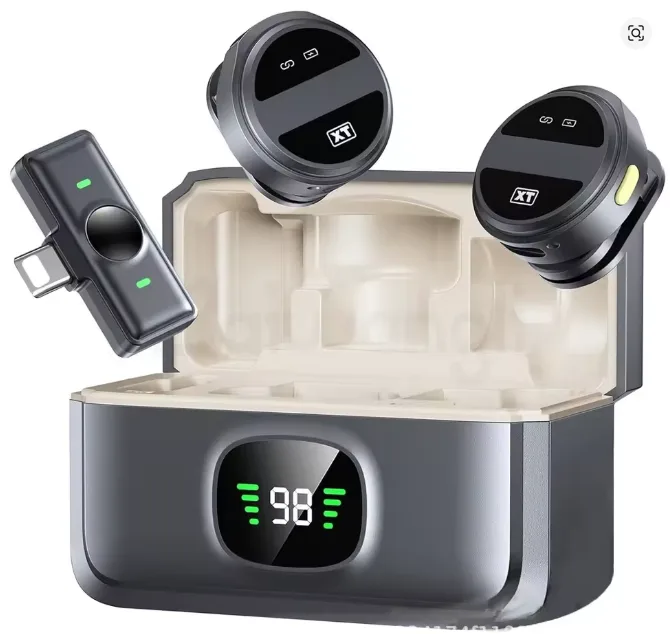
Many SX21 bundles come as Type‑C only, while others are 2‑in‑1 (Type‑C + Lightning). If you’re targeting Apple users, then list the exact variant clearly. This way, you target the high-intent keyword “wireless microphone for iphone.” As a result, buyers get instant compatibility confirmation. Therefore, they feel more confident and, in turn, are more likely to purchase.
Wireless microphone price in Pakistan: what affects it?
When customers search “wireless microphone price in pakistan” or “wireless microphone price”, they’re usually comparing:
- Single mic vs dual mic set
- Type‑C only vs Type‑C + Lightning kit
- Battery timing and charging case availability
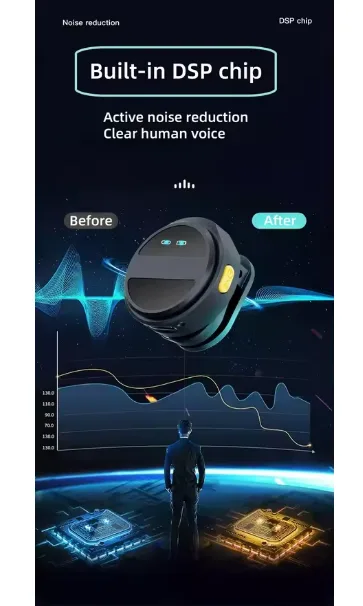
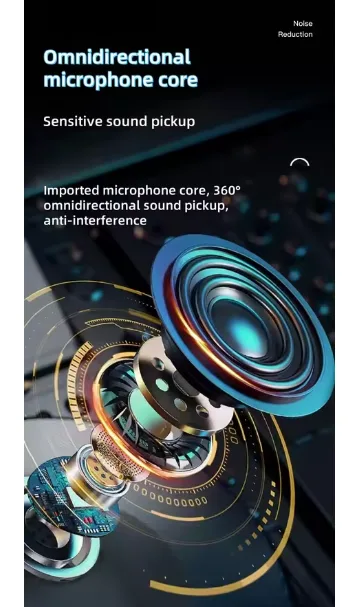
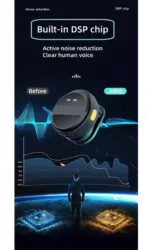
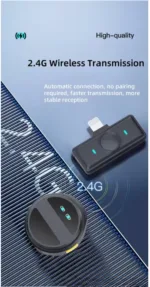
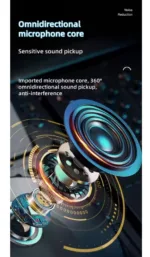
- Noise reduction quality and transmission stability
Position SX21 as value-focused: portable, simple, and optimized for mobile content.
Product Description of SX21 Wireless Lavalier Microphone
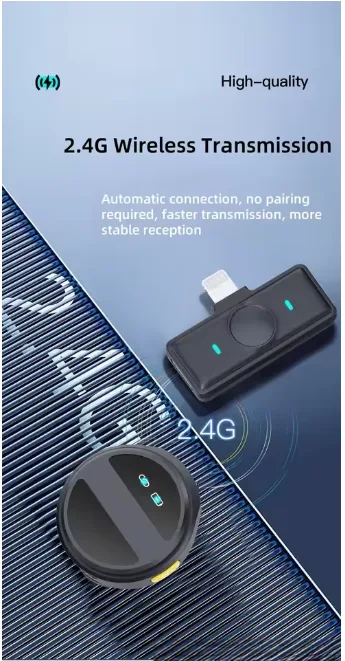
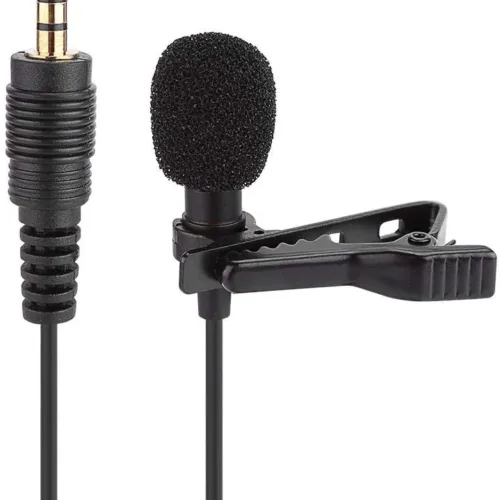
SX21 Wireless Lavalier Microphone is a compact wireless lapel microphone built for mobile recording, interviews, live streaming, and gaming voice capture. It supports fast plug-and-play use with Type‑C phones (and select variants for iPhone/iPad), making it a strong option for anyone searching for a wireless microphone for mobile in Pakistan. The magnetic clip helps secure the mic neatly on clothing for stable placement. Ideal for creators who want clear speech and easy setup, this wireless lavalier microphone is suitable for YouTube, TikTok, online classes, meetings, and field interviews. If you’re comparing options like boya microphone wireless models, then the SX21 is worth considering. Overall, it delivers a simple, mobile-first experience. As a result, it delivers reliable everyday performance. Moreover, it stays easy to use for regular recording and content creation.
FAQ
How to connect wireless microphone to android phone?
- Confirm your SX21 receiver is Type‑C.
- Plug the receiver into your Android phone’s Type‑C port.
- Turn on the mic transmitter(s).
- Open Camera/Voice Recorder app and test audio.
Tip: If audio doesn’t record, enable OTG in settings (on some phones).
How connect a wireless microphone to a laptop?
- If your SX21 receiver is USB‑C, first plug it into a USB‑C port on your laptop. If you don’t have a USB‑C port, then use a USB‑A adapter instead.
- Go to Sound Settings → Input → select the microphone device.
- Test in Zoom/Meet or Voice Recorder.
Note: Some models work best with mobile; always verify laptop compatibility.
How use wireless microphone?
- Charge the transmitter(s) and receiver fully.
- Connect receiver to your device.
- Power on transmitter and clip it near your chest (6–8 inches from mouth).
- Record a short test, adjust placement, and avoid rubbing on fabric.
How to connect wireless microphone to speakers?
A wireless lavalier microphone like SX21 is mainly for recording devices (phones/laptops). To play sound through speakers, connect the phone/laptop to speakers via Bluetooth or AUX. If you need direct-to-speaker amplification, then first consider using a PA system receiver. Otherwise, instead, choose a dedicated wireless mic system that’s specifically designed for speakers.
How to repair wireless microphone?
Try these quick fixes first:
- Recharge fully and re-pair by turning both units off/on.
- Clean the charging pins and ports gently.
- Also, test it on another phone first. This way, you can more easily confirm whether the issue is device-related or, instead, microphone-related.
If one side fails (dual kits), then test the transmitters one-by-one to identify which one is causing the issue.
Even so, in most cases, basic troubleshooting simply won’t fix hardware damage. Therefore, you’ll usually still need a technician for the repair.
This is especially true especially when the battery is faulty. Likewise, similarly, it also applies if the receiver port happens to be damaged.




Reviews
Clear filtersThere are no reviews yet.